- Yes, this can be done on the Launch Assessment screen 2. An option is available to select the Mandatory Tabs of the SCV assessment (applicable to all suppliers selected).
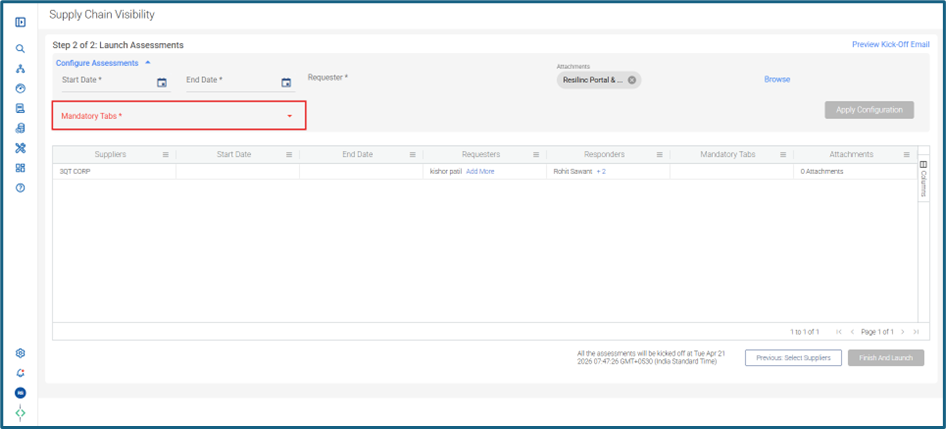
- Resilinc provides 5 options for you to choose from:
- First option is Tier 1 (Tab 1 to 5). Here you will be able to collect information on supplier's company name, sites, activities, recovery time, supplier & site emergency contacts and part-site mapping.
- Second option is Tier 1 & Sub-tier (Tab 1-6). Here in addition to above step, you will also be able to collect information on subtier suppliers.
- Third option is Tier 1 & Sub-tier (Tab 1-7). Here you will also be able to collect information on subtier part sourcing.
- Fourth option is Tier 1 & Sub-tier (Tab 1-6 and 8). Here you will be able to collect tier i information, subtier supplier and their site details.
- Fifth option is Tier 1 & Sub-tier (Tab 1-8). Here you will be able to collect tier 1 as well as subtier information from your suppliers.
Was this article helpful?
That’s Great!
Thank you for your feedback
Sorry! We couldn't be helpful
Thank you for your feedback
Feedback sent
We appreciate your effort and will try to fix the article