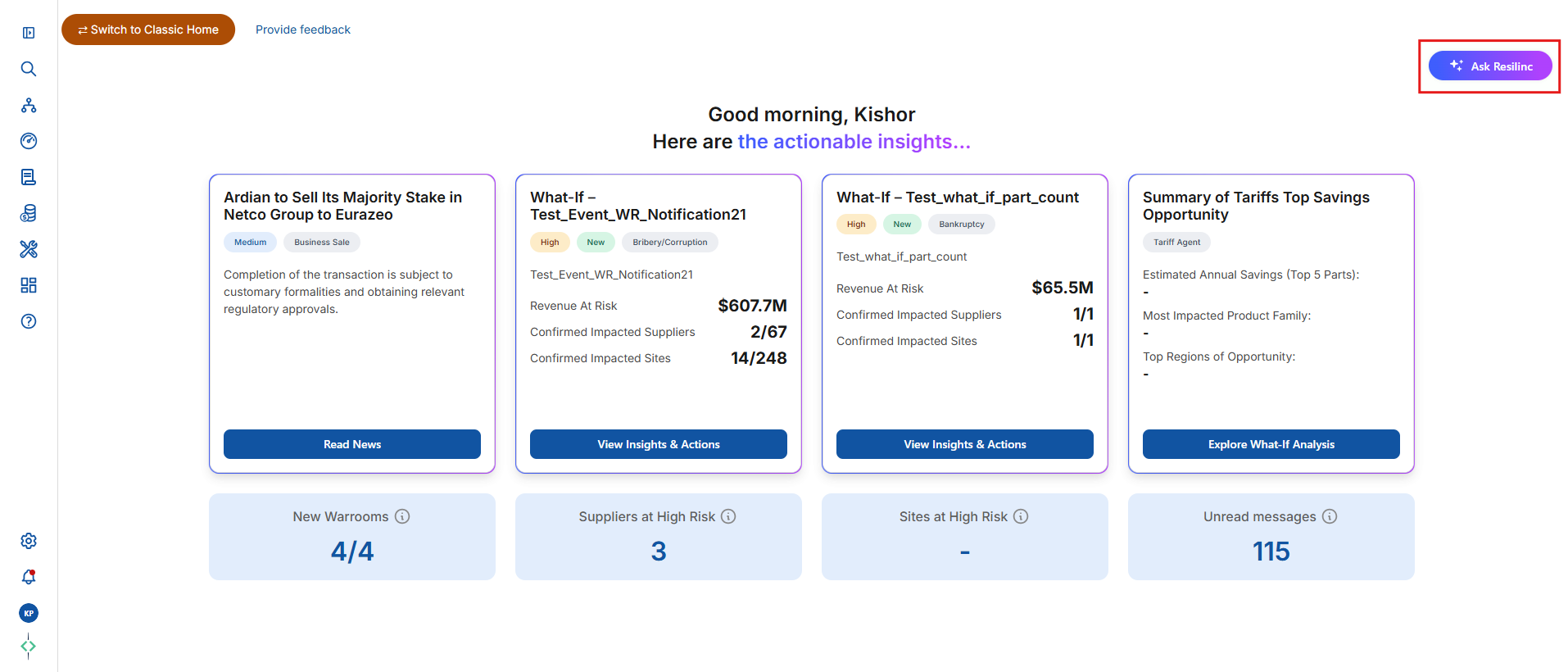
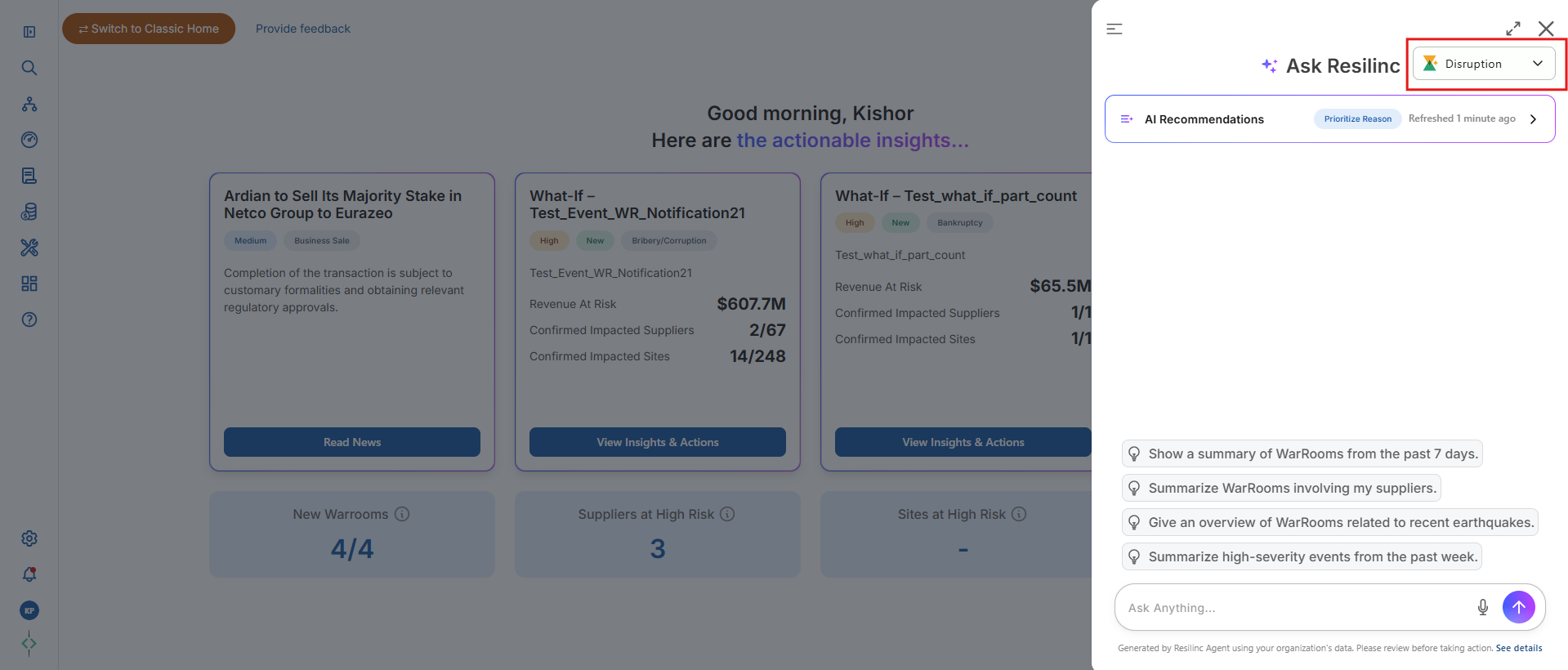
- If a customer has purchased the Disruption Agent license, users with this license assigned will be able to see the ‘Ask Resilinc’ button in the top-right corner of the new home page. Users can click on it to access the Disruption Agent window and perform analysis by entering prompts in the search bar.”
- Refer below screen-print:
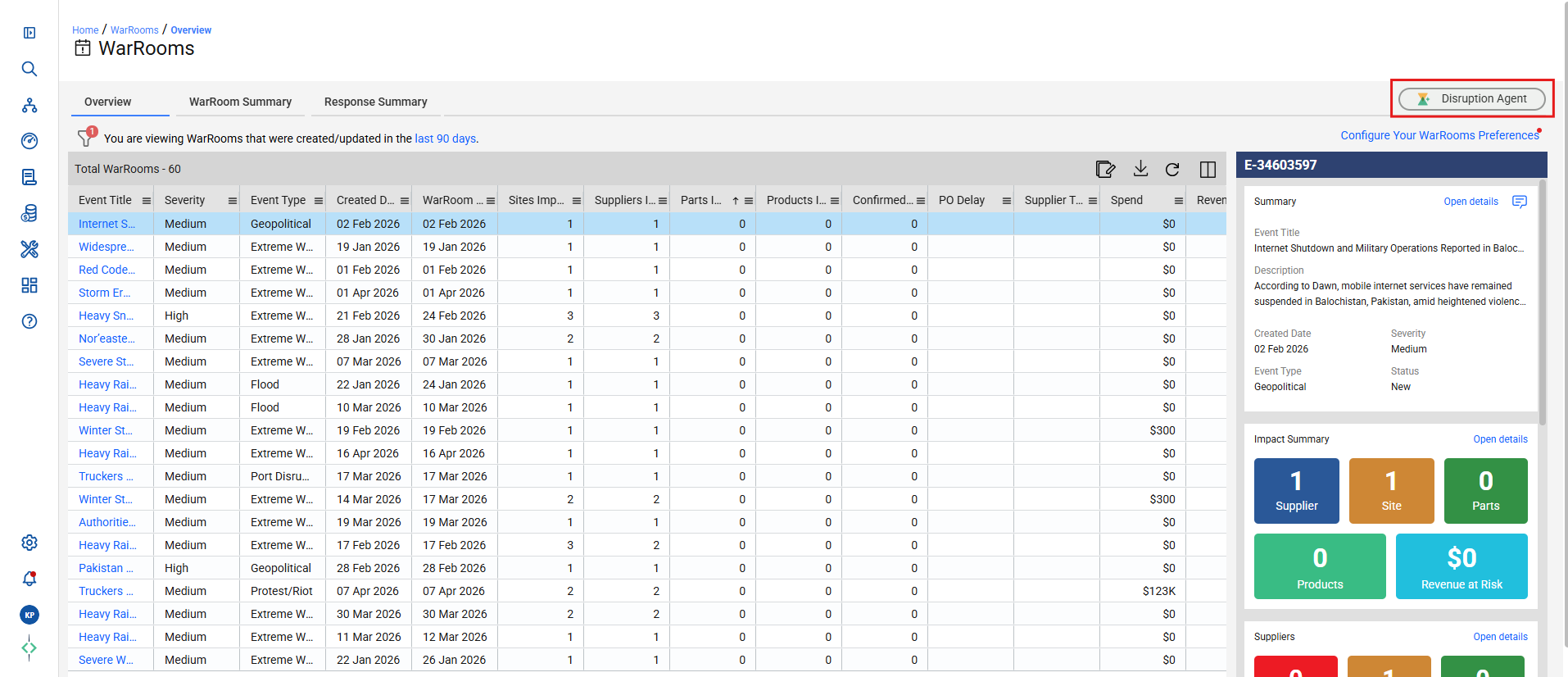
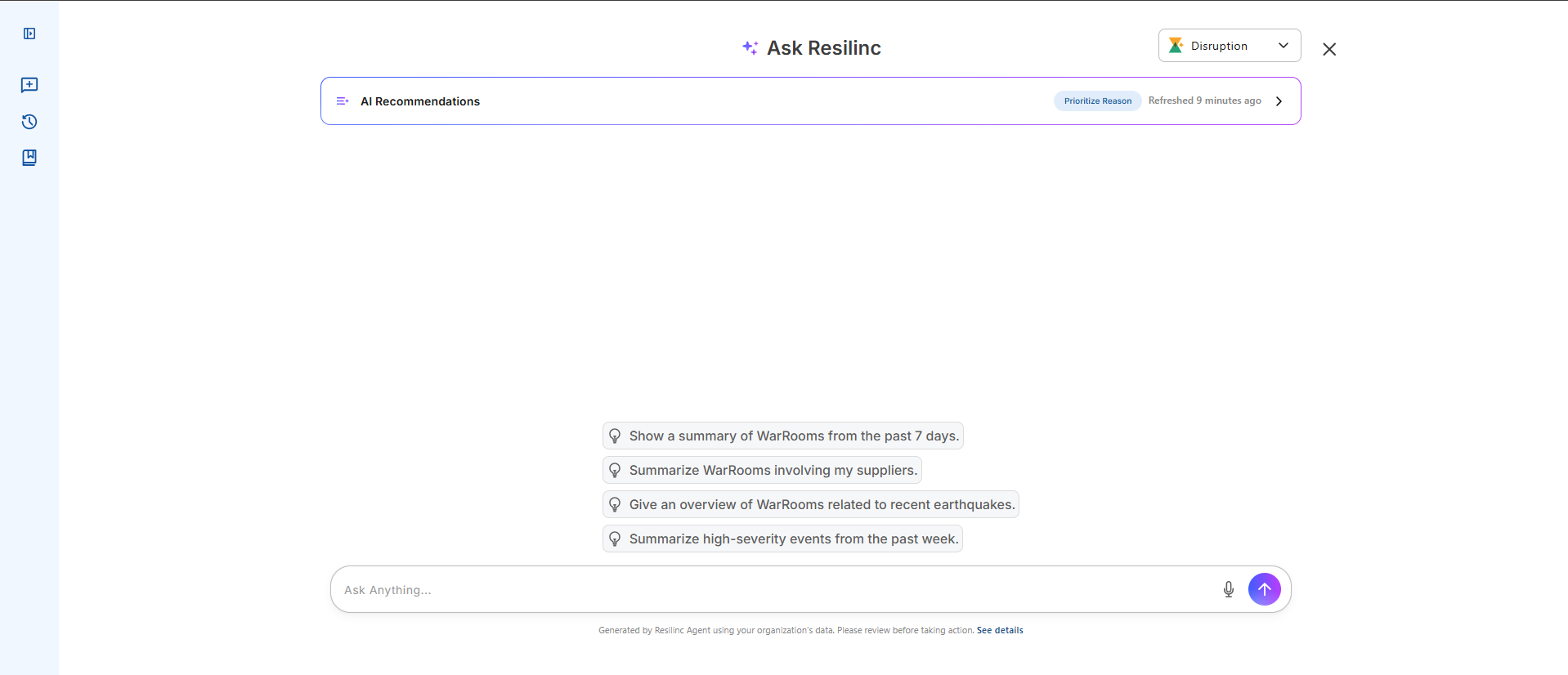
- Also, it can be accessed from WarRoom listing page by clicking on Disruption Agent logo from the top right corner of the page.
Was this article helpful?
That’s Great!
Thank you for your feedback
Sorry! We couldn't be helpful
Thank you for your feedback
Feedback sent
We appreciate your effort and will try to fix the article