- The Material Flow Chart is displayed within a fixed-size container as part of the current application design. The map is rendered within this predefined area, and there is currently no built-in option available to expand the chart or open it in a full-screen view.
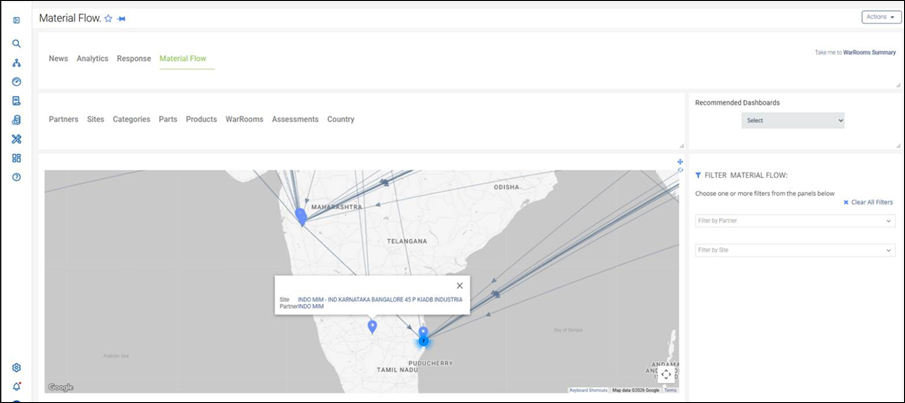
- To understand the source and destination of material flow paths, users can interact with the map by selecting the available site markers (pins). Clicking on a site marker displays the available details, including the site name, partner information, and links to the respective detail pages.
- If a full-screen or expanded view option is required for the Material Flow Chart, an enhancement request can be submitted through Aha for review and consideration by the Product team.
Was this article helpful?
That’s Great!
Thank you for your feedback
Sorry! We couldn't be helpful
Thank you for your feedback
Feedback sent
We appreciate your effort and will try to fix the article