- To access the EventWatch News for a specific event, please follow these steps:
- Go to the Hamburger Menu (Left Navigation Menu).
- Click on News option under EventWatch dropdown.
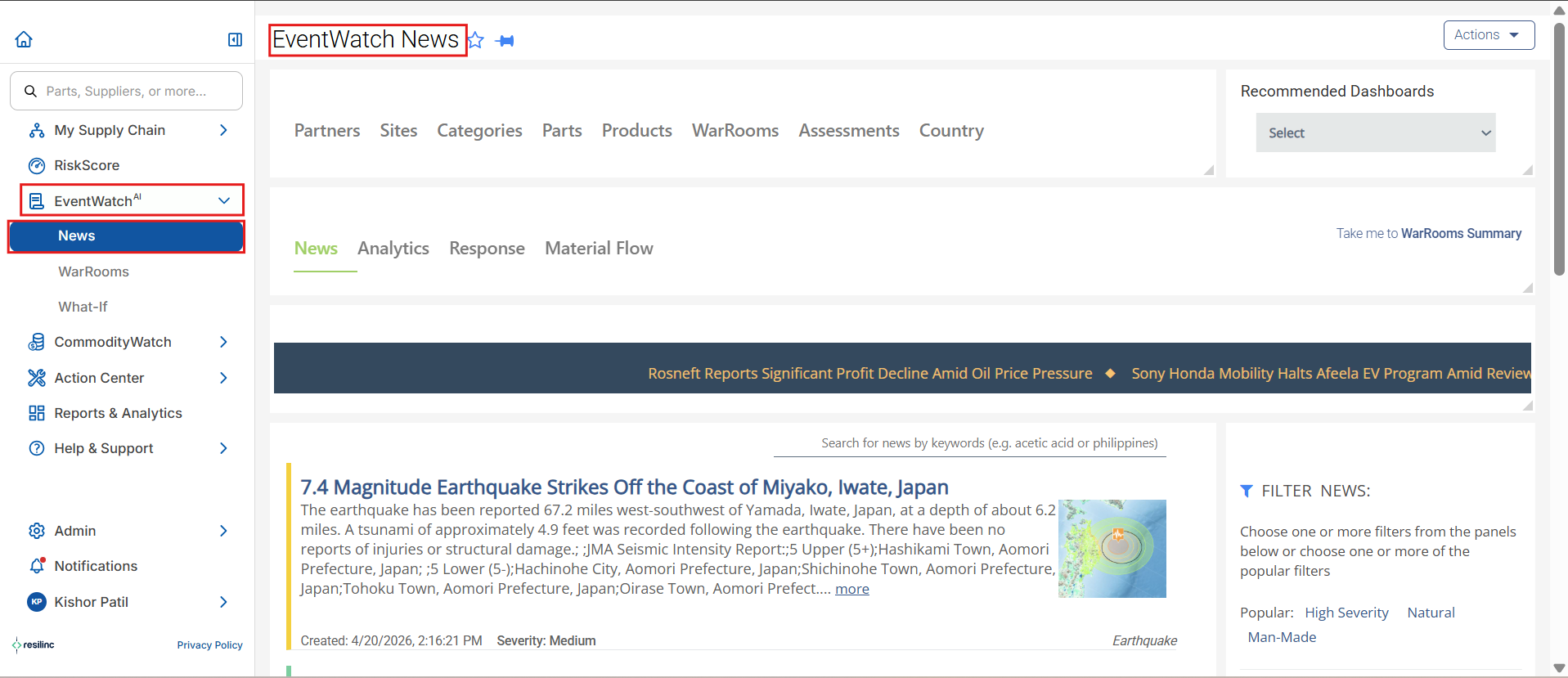
- You will be directed to the EventWatch News page.
- Use the search bar to find the specific EventWatch News.
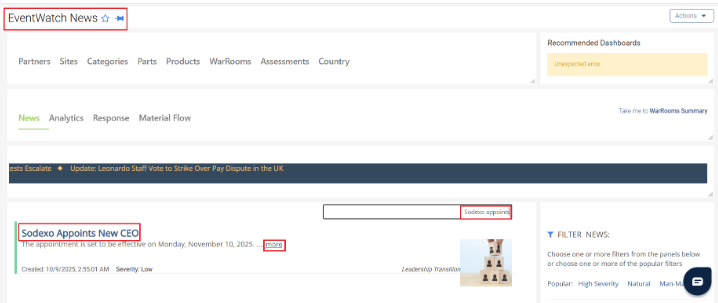
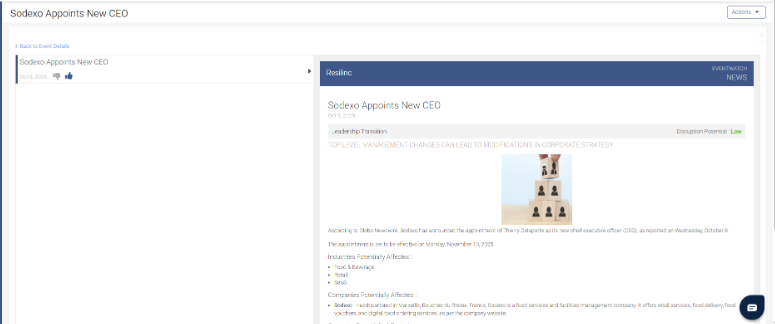
- Click on the Event Title or the "more" link to read the full news.
Was this article helpful?
That’s Great!
Thank you for your feedback
Sorry! We couldn't be helpful
Thank you for your feedback
Feedback sent
We appreciate your effort and will try to fix the article