- After the successful upload of UDA file, the UDAs will appear on all the listing dashboards i.e. Suppliers, Categories, WarRooms, Sites, Country and Parts dashboard under the filters section.
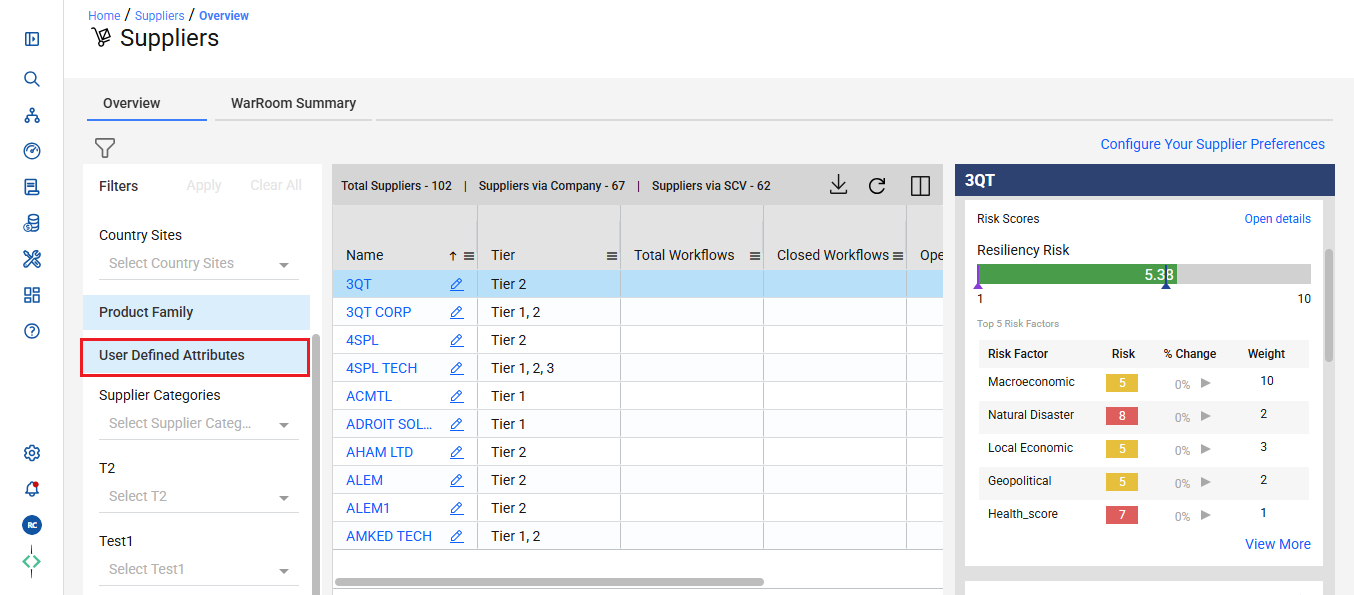
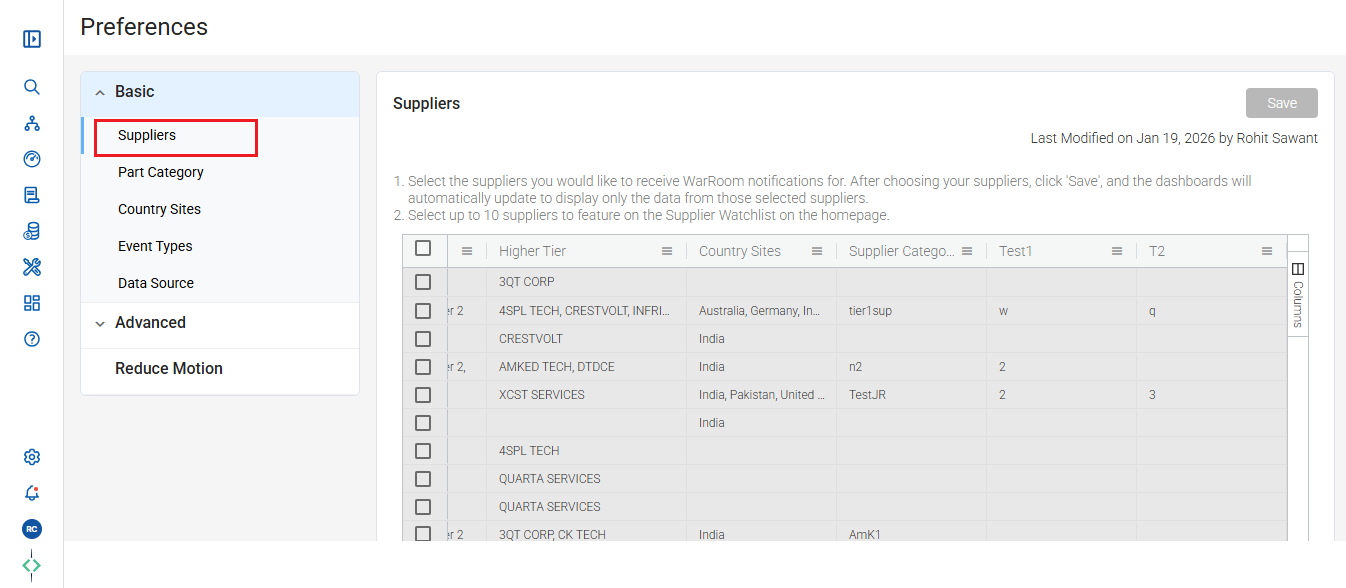
- UDAs will also be available on the Preferences setting page on real time for the users to limit their EventWatch notifications and set up the personalized view on the listing dashboard pages.
Navigation: Left Hamburger Menu -> User Profile option -> Preferences
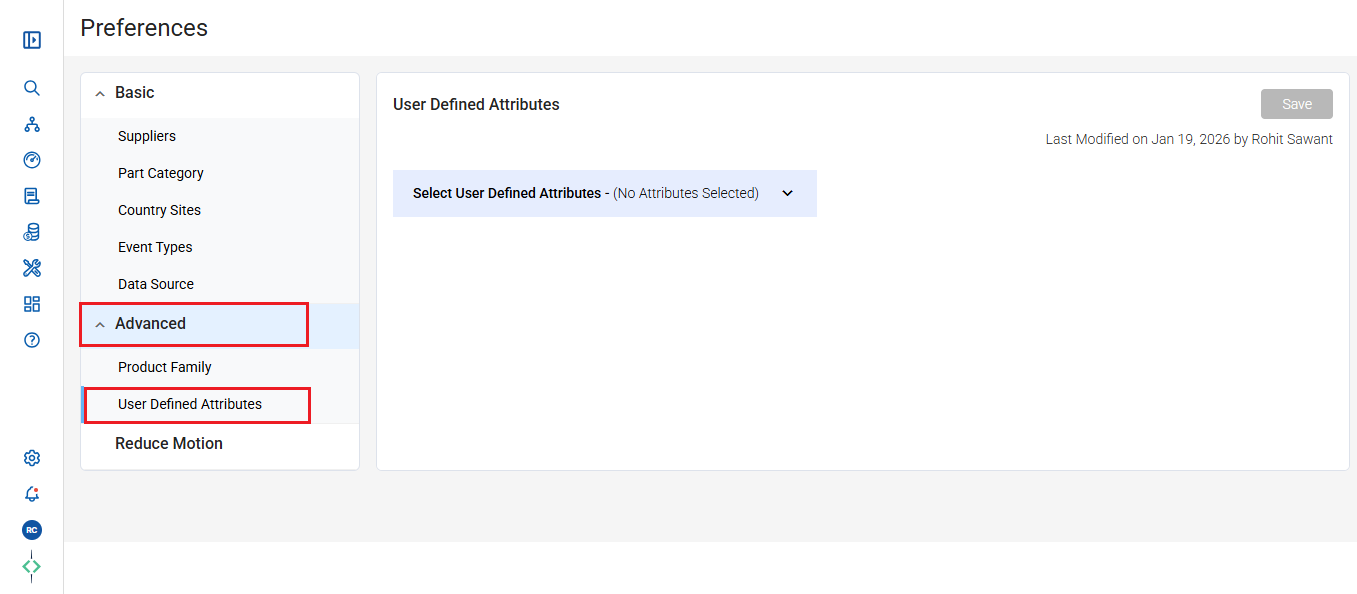
c. In Preference setting under Advanced menu option we have User Defined Attributes fields to be selected.
Was this article helpful?
That’s Great!
Thank you for your feedback
Sorry! We couldn't be helpful
Thank you for your feedback
Feedback sent
We appreciate your effort and will try to fix the article