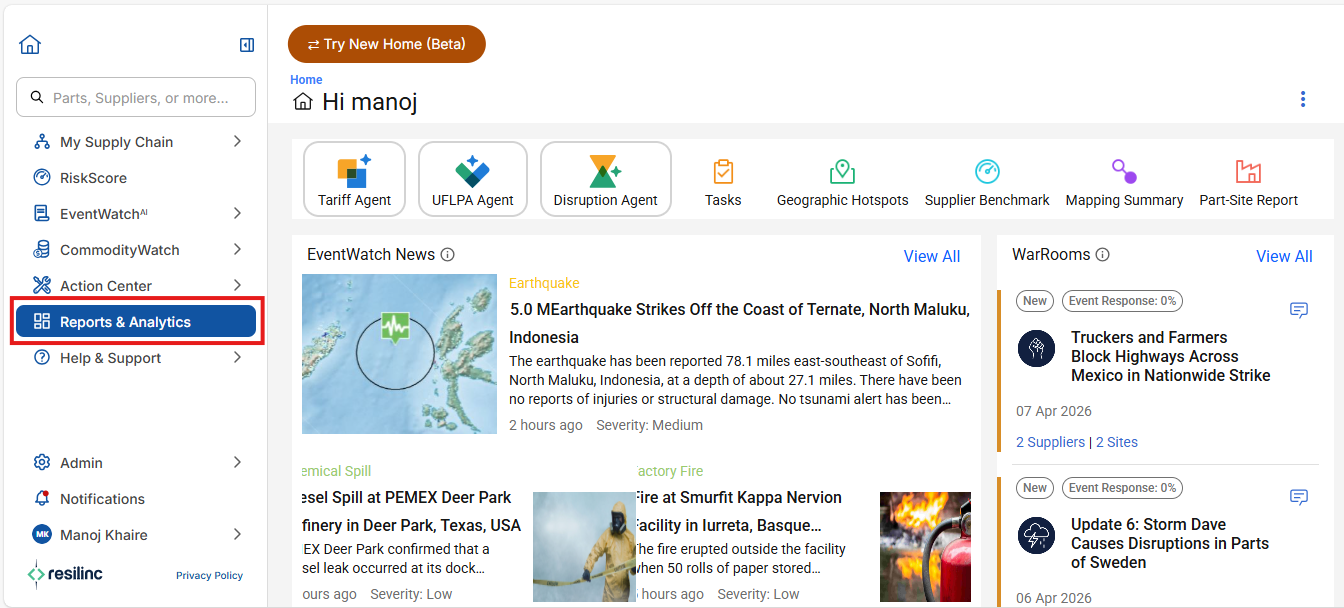
- Dashboards can be accessed by clicking the Reports & Analytics menu from the left side bar within the Resilinc portal.
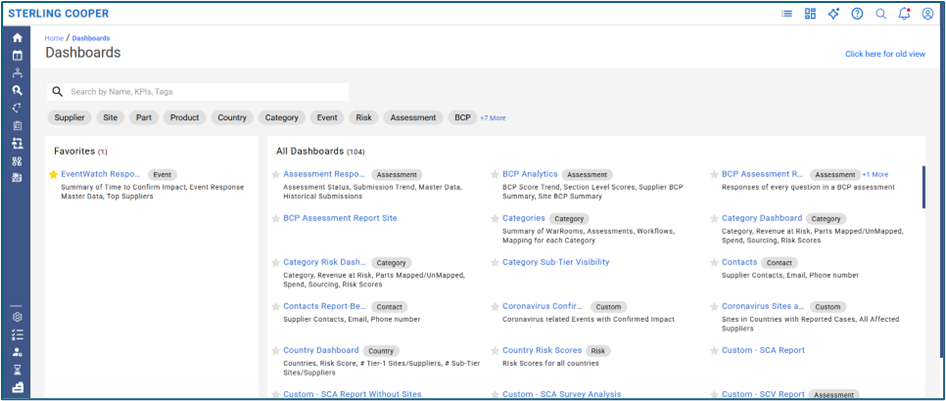
- This will redirect you to the main Dashboards page, where you can browse, search, and filter a comprehensive list of all dashboards, organized by categories and tags for efficient navigation.
Was this article helpful?
That’s Great!
Thank you for your feedback
Sorry! We couldn't be helpful
Thank you for your feedback
Feedback sent
We appreciate your effort and will try to fix the article