- The Settings options from the profile icon available for a particular user are based on the permissions/licenses they have.
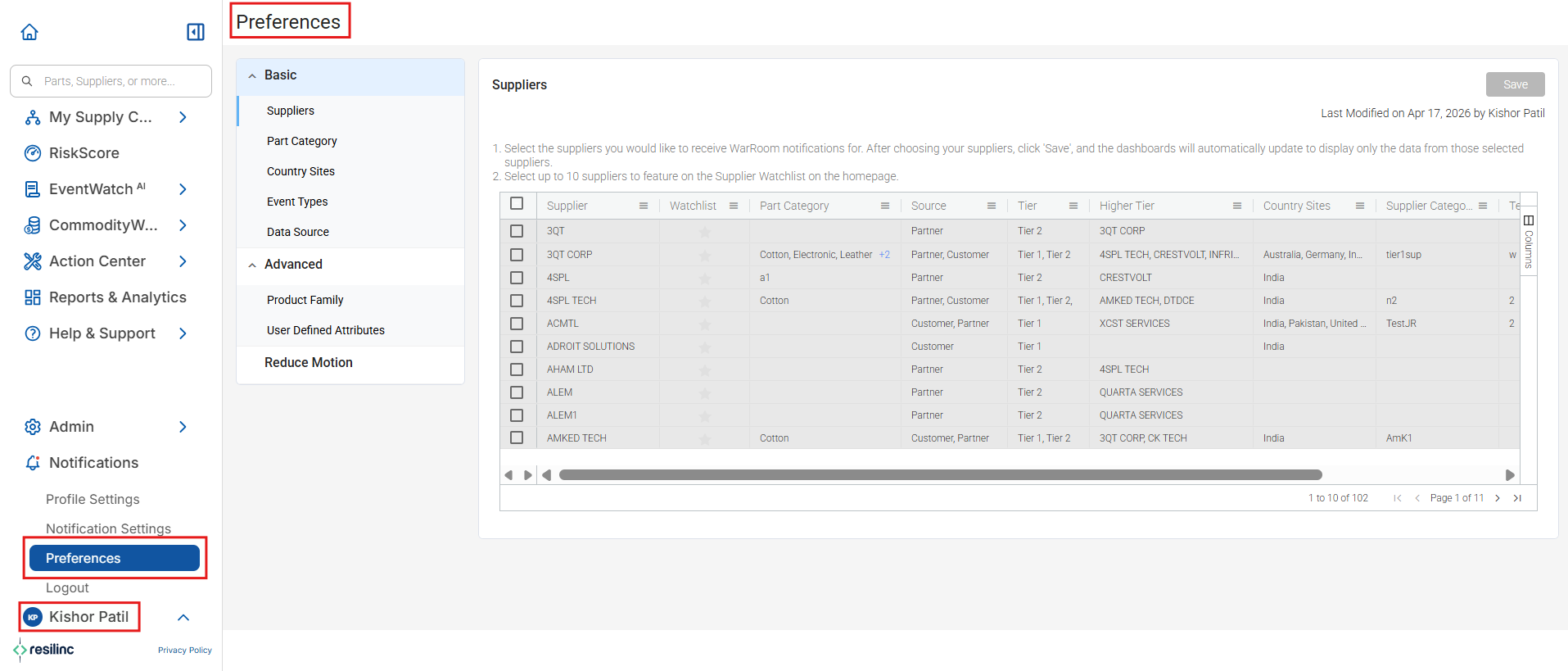
- The Preferences option will be available for a user only if he or she has the Event WarRoom license.
- Refer below table to understand the licenses required for each setting option available from the profile icon.
Settings | Licenses |
Assessment | CUSTOM_SURVEY |
Load Data | DATA_LOAD |
Preferences | EVENT_WARROOM |
Risk | RISK_PRIORITIZATION |
Workflow | WORKFLOWS |
- Company admin can provide the permissions (licenses) that are required to access the particular settings.
- Note - The Collaboration settings is by default present for all the users.
Was this article helpful?
That’s Great!
Thank you for your feedback
Sorry! We couldn't be helpful
Thank you for your feedback
Feedback sent
We appreciate your effort and will try to fix the article