- This notification is typically triggered when an autoload (DLA) job is already in progress, and the system blocks a new autoload from starting for the same instance. This is an expected system behavior designed to prevent overlapping loads, which could otherwise lead to data conflicts or corruption.
The notification usually indicates:
“New autoload cannot be triggered since previous load is in progress. Please try again after some time”
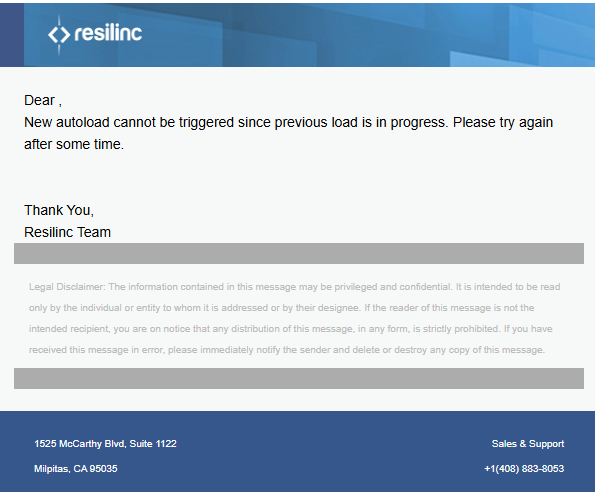
This may occur in scenarios such as:
- A manually triggered DLA job is still running when the scheduled autoload begins
- A previous load was interrupted mid-process and required reprocessing, causing it to extend into the next scheduled cycle
- A scheduled load overlaps with another job due to timing or scheduling overlap
What to do if this notification is received:
- Allow the in-progress load to complete, as no immediate action is typically required.
- Verify the DLA job status in the platform to confirm the current load is progressing.
- Monitor the next scheduled autoload, which should proceed normally once the current load completes.
- Contact Support if the running load appears stuck, takes unusually long to complete, or if the issue continues across multiple scheduled runs.
Additional Notes
- The blocked autoload will not automatically retry for that same cycle.
- Once the active load finishes successfully, the next scheduled autoload will run as expected.
- To minimize such occurrences, avoid triggering manual loads close to scheduled autoload windows and ensure source files are available ahead of scheduled execution.
Was this article helpful?
That’s Great!
Thank you for your feedback
Sorry! We couldn't be helpful
Thank you for your feedback
Feedback sent
We appreciate your effort and will try to fix the article